Bring yourtouchscreento life withTouchIT.
Supercharge your Windows touch experience with TouchIT. TouchIT provides advanced gesture and multi-touch capabilities on Windows with any modern HID touchscreen. Simple to set up and use.
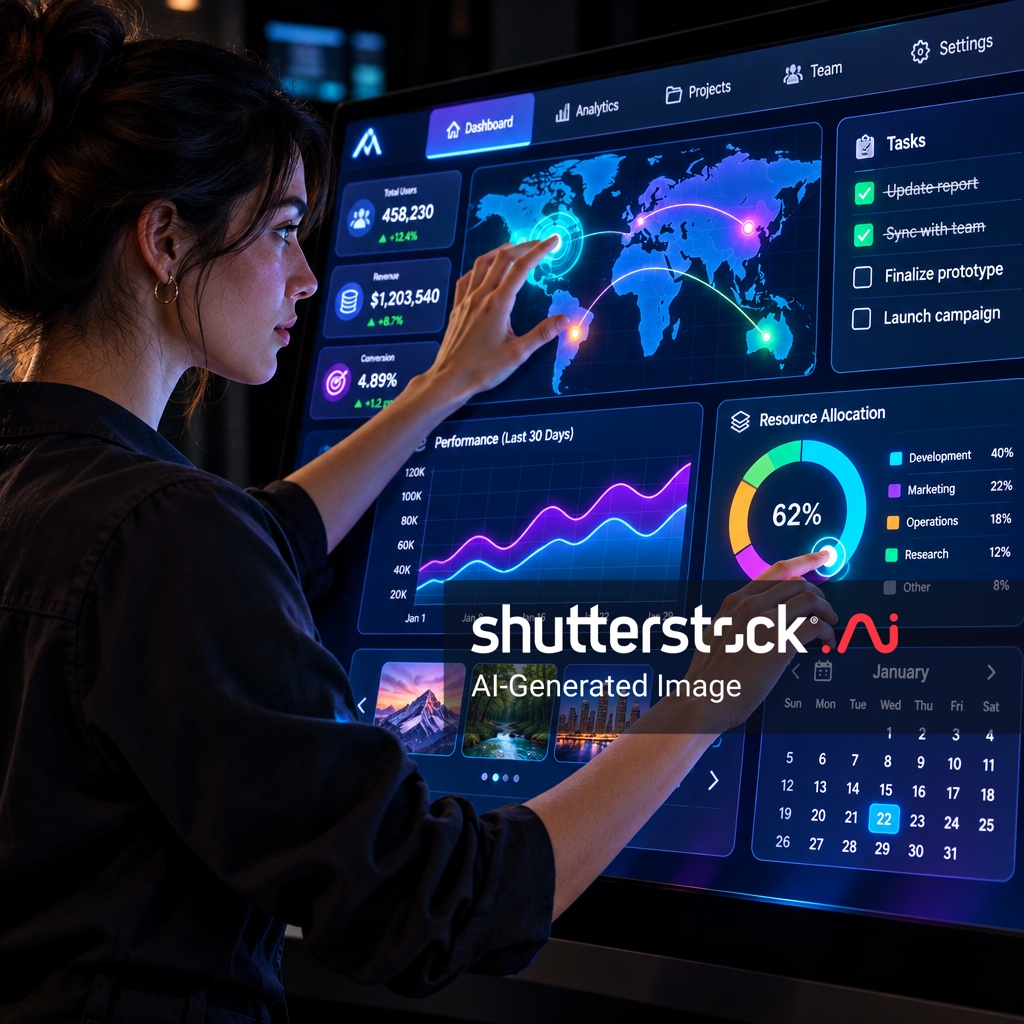
Supercharge your Windows touch experience with TouchIT. TouchIT provides advanced gesture and multi-touch capabilities on Windows with any modern HID touchscreen. Simple to set up and use.
What TouchIT does
TouchIT sits between your touchscreen and Windows. It recognises gestures with up to five fingers and turns each one into the action you choose, in the application under your fingers, while everything else carries on working as normal Windows touch.
Tap, double tap, press and hold, drag, swipe in any direction, swipe in from any edge, pinch, expand and rotate, each with one to five fingers. Timing and distances are yours to tune.
Left, right or middle clicks, double clicks and drags. Keystrokes and hotkeys. Open a program, a file or a web page, or run a command. Hold Shift, Ctrl or Alt and the same gesture can do something else.
Switch between open windows, open Task View, show the desktop, move and resize windows, call up the touch keyboard or take a screenshot with the snipping tool, all with a gesture.
Give an application its own gestures. TouchIT follows the application under your fingers, so the same swipe can step through slides in one program and switch tabs in another.
Pass any gesture straight through to Windows, or a whole application, so built-in touch keeps working where you want it. Gestures with six fingers or more go to Windows too.
USB or I2C, touch or pen. TouchIT recognises any HID touch device as soon as it is plugged in, with no device lists and no hunting for drivers.
Each touchscreen is matched to its own monitor automatically, so touch lands where you touched. Two identical screens? Identify sorts them out with one touch on each.
A smart magnifier that follows your finger, and zoom for the whole screen, for detail work, accessibility and presenting to a room.
Draw, highlight and write over anything on screen, or open a blank whiteboard. Ideal for meetings, teaching and presentations.
Simple to set up and use
One installer for TouchIT and everything it needs. Deploying to a lot of machines? It also installs silently.
Connect your touchscreen. TouchIT finds it, matches it to the right monitor and gets out of the way.
Gestures work straight away. Make them your own in TouchIT's settings, and export them to use on other machines.
Try it on your own screen